VictoriaMetrics integrates with Bindplane via the Bindplane application .
Setup the destination #
- Sign up for a Bindplane account.
- Go to Agents and install the agent.
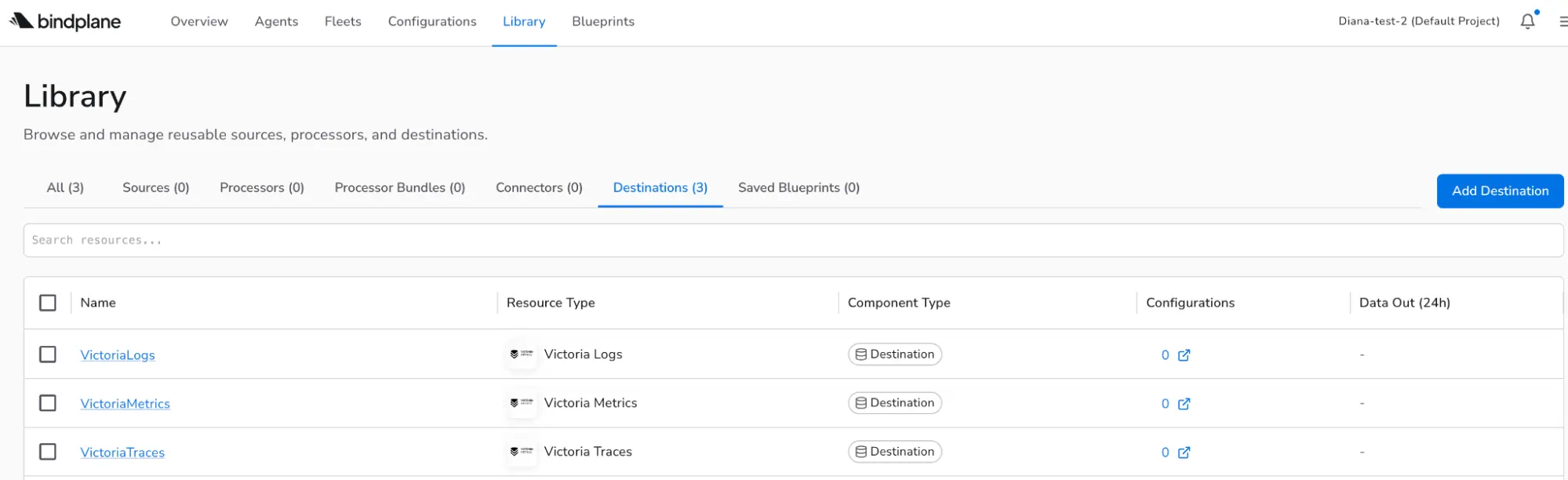
- Go to the Library and Add Destination. Choose VictoriaMetrics.
- Configure hostname, port, and headers.
- Name the destination and click on Save.
Add a configuration #
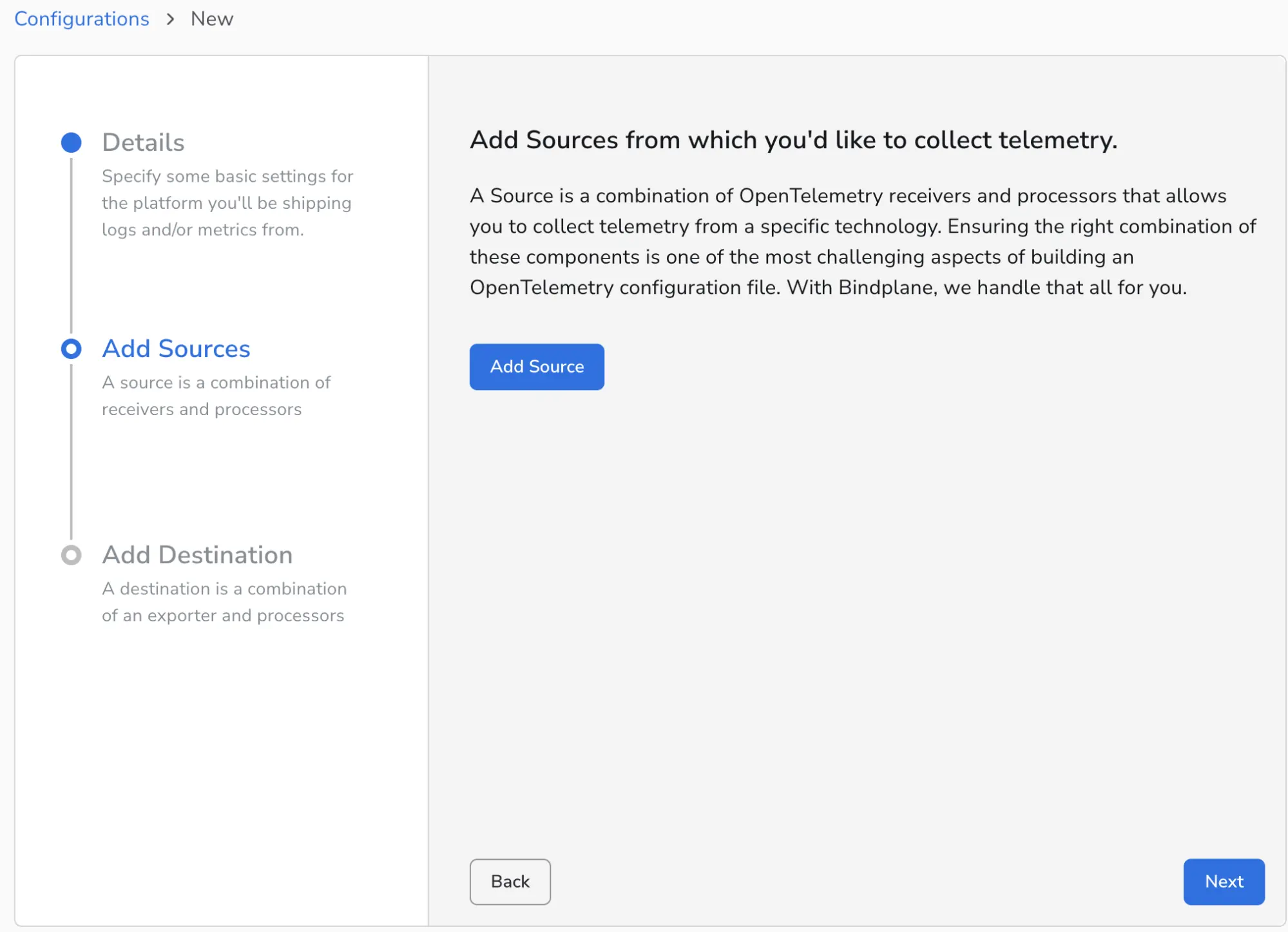
- Go to Configurations, create Configuration.
- Give it a name and select the Agent Type and Platform.
- Add your telemetry sources such as OTLP, Prometheus scrape, or cloud services.
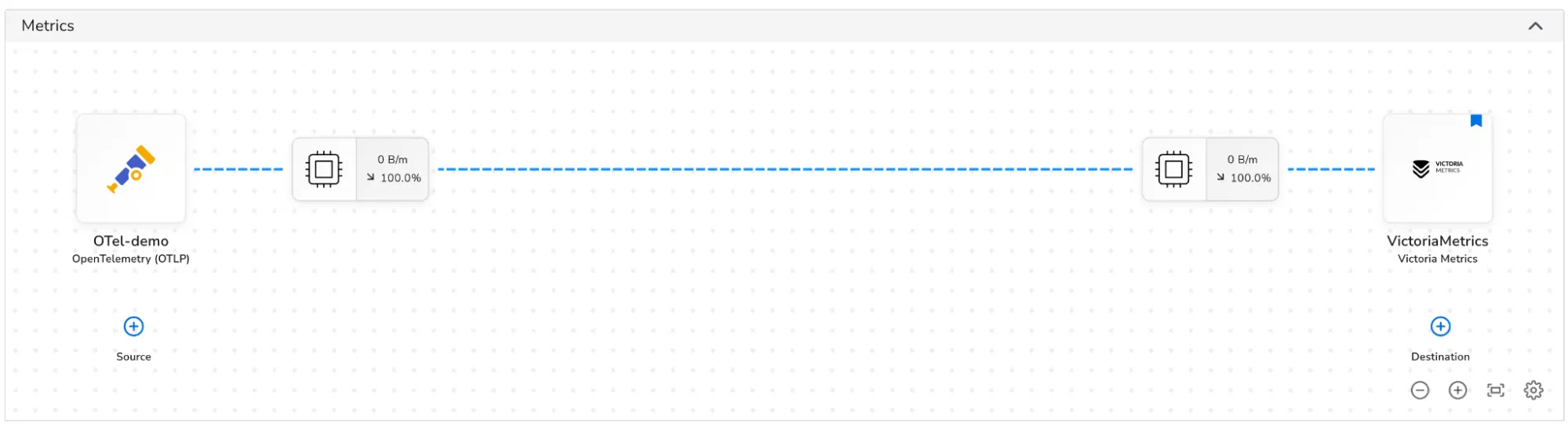
- Select the destination.
After that Bindplane will start sending metrics to VictoriaMetrics, and you can query them with PromQL/MetricsQL.
You can check the global view in the Library to view the resource type, component type, and configurations.
For VictoriaLogs with Bindplane integration, check this page .