Jaeger Datasource #
Grafana Jaeger Datasource allows you to query and visualize VictoriaTraces data in Grafana.
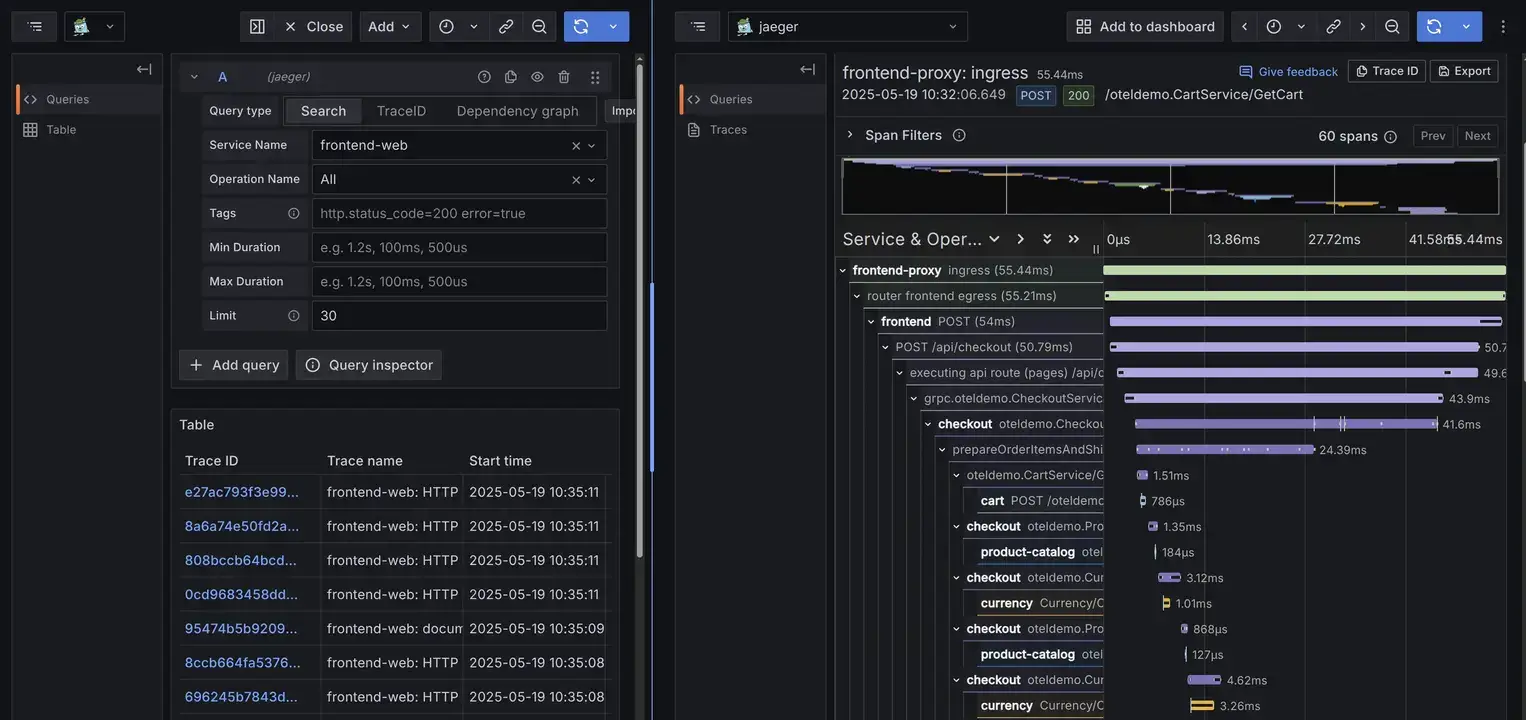
Simply click “Add new data source” on Grafana, and then fill your VictoriaTraces URL to “Connection.URL”.
Supported URL formats:
      # VictoriaTraces Single-node
http://<victoria-traces>:10428/select/jaeger

# VictoriaTraces Cluster - vtselect
http://<vtselect>:10471/select/jaeger
Finally, click “Save & Test” at the bottom to complete the process.
Grafana Tempo Datasource #
Minimum VictoriaTraces version requirement: v0.9.4.
The Grafana Tempo Datasource allows you to query VictoriaTraces via TraceQL and use the Grafana Traces Drilldown plugin for trace exploration. It leverages the Tempo HTTP API implemented by VictoriaTraces. Refer to this documentation for a full list of supported endpoints.
On Grafana, click “Add new data source”, then enter your VictoriaTraces URL in the “Connection.URL” field.
Supported URL formats:
      # VictoriaTraces Single-node
http://<victoria-traces>:10428/select/tempo

# VictoriaTraces Cluster - vtselect
http://<vtselect>:10471/select/tempo
Finally, click “Save & Test” at the bottom to complete the process.
Grafana Traces Drilldown #
The Grafana Traces Drilldown plugin runs on top of the Tempo datasource configured above. After adding the datasource, navigate to Explore -> Drilldown -> Traces (or open the standalone Traces Drilldown app) and select your VictoriaTraces Tempo datasource.
Drilldown relies on the TraceQL metrics (/api/metrics/query_range) endpoint to
render its rate, error, and duration panels, and on various
Tempo query endpoints
for
filtering and exploration. This integration support is experimental, meaning certain panels or TraceQL capabilities may not function identically to native Grafana Tempo.